
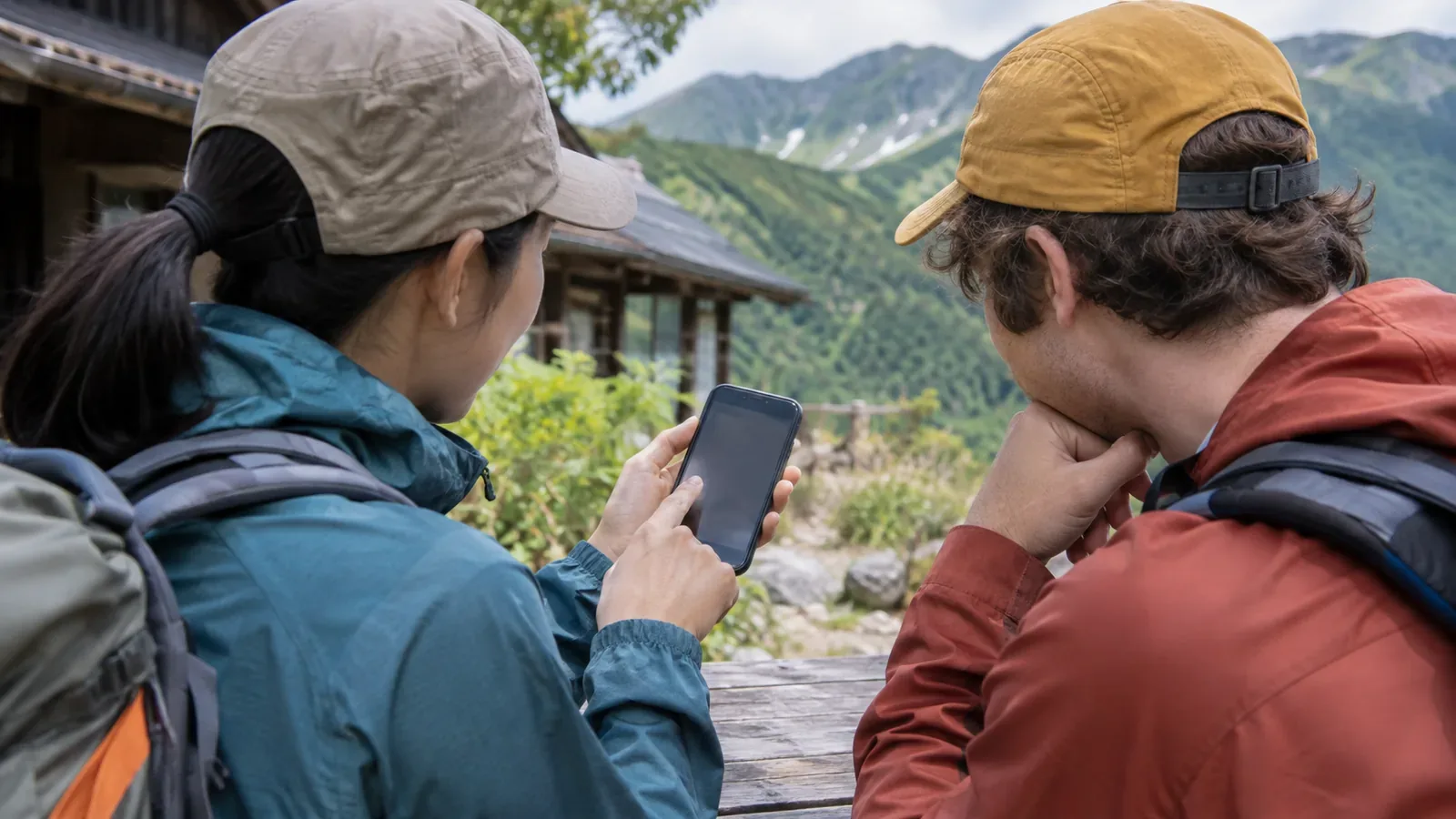
Cell service is not always available in the mountains. If you use a translation app to talk with friends visiting from abroad, download what you need before leaving and try the app with no connection. It can help, but translations may be wrong. Share your itinerary and important messages another way too.
Please check the language and functions being used in advance.
First, I’ll ask the participant which language and writing system they find easiest to use. Rather than relying solely on their nationality or Japanese proficiency, I want them to choose the method that works best for them. I will also verify that any apps we plan to use are compatible with the languages and features outlined in the official guide.
Apple is instructing users that to use the iPhone translation app offline, they need to download both the input and output languages. Google is also guiding Android users on how to download the corresponding languages beforehand when using their translation app. To do this, users should open the settings for their device and the app, and confirm that the desired languages are available.
Obtain the necessary data in a location where you can connect, and confirm the settings according to the device’s instructions. Due to app and OS updates, the operation and supported languages may change, so be sure to read the latest information for your device. If multiple people are using the device, prepare each one individually.
Testing without communication.
Using the prepared device, we will test each function you want to use while disabling Wi-Fi and mobile data. For example, if you can translate text, people planning to use voice or camera functions will also test those features. After testing each function, please restore your network settings and confirm that you receive notifications before departure.
Let's test some short, useful phrases for use while hiking, and check to see if they make sense to the person I’m with. For example, we’ll use phrases like “Let’s take a break here” or “We’ll return at the next fork in the path.” I’ll revise the translation if it sounds unnatural, and I’ll double-check any numbers or place names, both verbally and in writing.
Place names can turn into different words in translation. Save the Japanese spelling and pronunciation, official romanization and map location of stations, trailheads, junctions and exit points. Use those details when checking signs, rather than deciding where you are from the app’s translation alone.
It’s important to keep crucial information in a place other than the app.
We will share the itinerary, meeting location, and return travel information, as well as contact details, on paper and on individual devices. Please confirm beforehand that you can access the information even when there is no communication, and avoid concentrating all information on a single device. Personal contact information will be shared only with those who need it, and to the extent necessary.
The Kumano Kodo visitor guide mentions paper maps available at visitor information centres and numbered markers along the route. If your destination uses a similar system, note the numbers you can match on the map and on the ground. Where there are no numbers, record the names of junctions and huts.
The Japan National Tourism Organization lists emergency contacts and help desks for visitors. Check the latest official information before setting out and save it in a format everyone can read. Discuss what to do if there is no signal and when to try to make contact.
Please confirm, assuming there may be errors in the translation.
Apple explains that offline translations can be less accurate than online ones. For meeting times and directions, point out the relevant part of the timetable or map in addition to sending a translation. Ask short questions one at a time when checking how someone feels. Use clear numbers and units to distinguish a clock time, such as “2 p.m.”, from time remaining, such as “30 minutes left”.
Do not make safety or health decisions based only on an unclear translation. In an emergency, contact the relevant services as appropriate and follow their instructions. Keep your eyes on the trail while walking. Stop somewhere safe before checking the screen.
In preparation for when devices become unusable, it’s important to have paper maps and a list of essential contacts. Equally important is establishing a way for everyone traveling together to understand the itinerary and to communicate any desired changes – this is just as crucial as setting up the app itself.
Summary – Prepare and test it, and also check the translation.
Before traveling, make sure to check the translation app for the necessary languages and features, and test it in an area with no internet connection. Also, share details like locations, itinerary, and contact information, and verify important details through rephrasing and maps.