
When you read a thermometer in the mountains, record the conditions alongside the number, including sunlight and any contact with your body. The display cannot tell you how many degrees to attribute to each factor. Drawing on official observations and portable-device manuals, we propose a way to record those conditions separately.
Official measurements control radiation and airflow separately
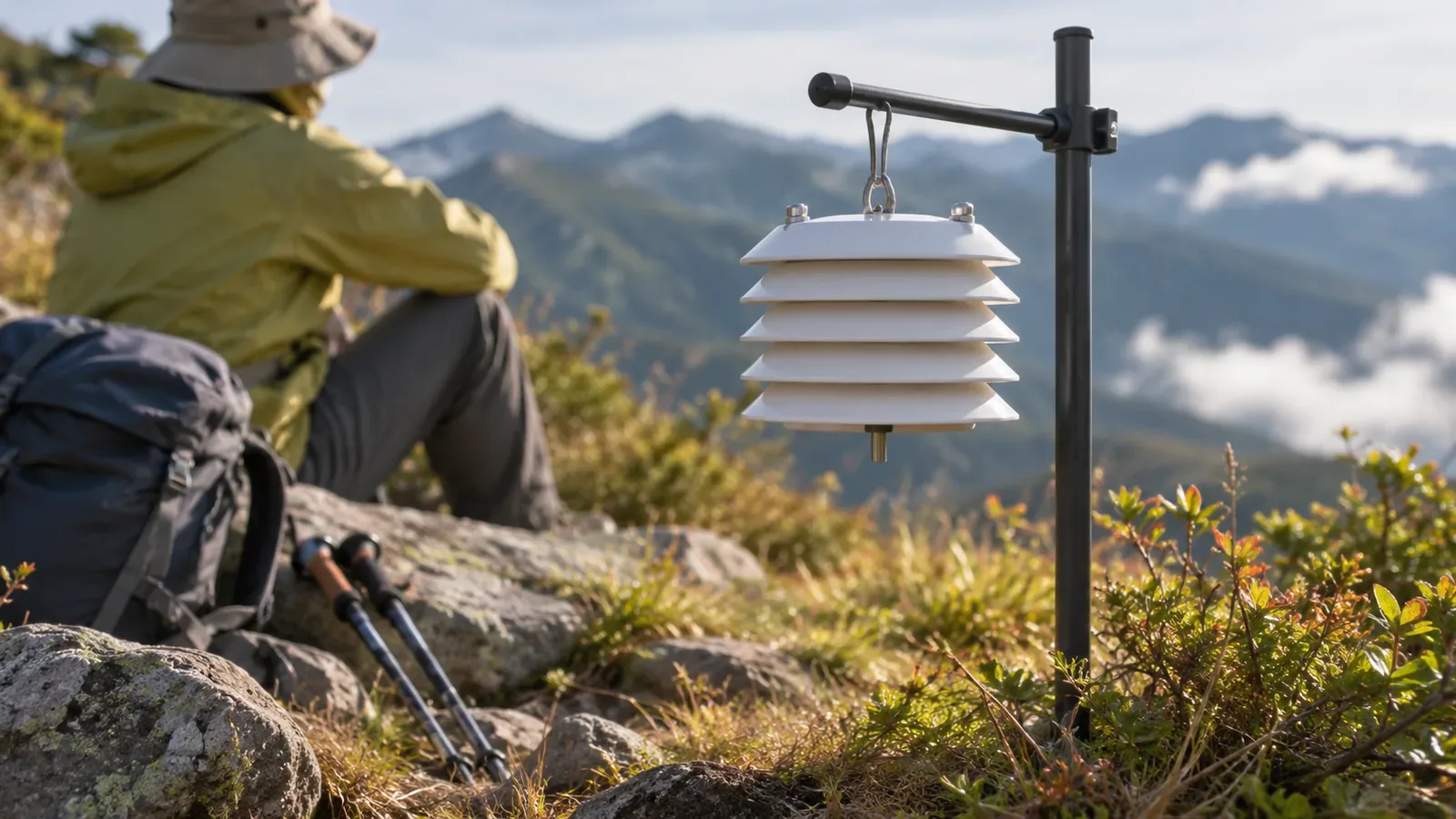
The Japan Meteorological Agency’s standard is to measure air temperature with an electric thermometer 1.5 m above grass at a sunny, well-ventilated site. The thermometer is inside a ventilated shield to keep out direct sunlight. A fan at the top constantly draws outside air in from below. The Okinawa Meteorological Observatory explains that the sensor uses the change in platinum’s electrical resistance with temperature, and that its stainless-steel shield guards against precipitation and sunlight.
Official measurements use both a shield and airflow. Portable thermometers are used in different conditions, so comparing numbers alone cannot tell you whether they agree with official observations. Aim to make a record that lets you explain how each reading was taken.
The agency’s guide also describes how the environment and instrument checks affect observations. Hikers can apply the same idea by noting where the instrument was placed and its condition alongside the reading.
Three situations where body heat, sunlight and sensor lag can affect readings
Our editors suggest three situations where a reading may be affected, based on how official measurements work. The categories have not been tested. The first is when the instrument is close to the body, such as in a hand or chest pocket or on a shoulder strap. Body heat is then close to the sensor. The second is in direct sunlight, where the device warms up. The third is just after a change, such as stepping into shade or starting a break, when the previous conditions can still affect the reading.
The sensor’s location in the device, the material of the casing and the display’s update method differ by model. The same position can affect devices differently. Check the manual for the location of the sensor so you know when it is close to your body or exposed to sun.
Choose one position as a reference and note the different conditions for any other readings. For example, use a ventilated spot away from your body and out of direct sun if that matches the manual. CASIO’s Operation Guide 5463 also tells users to remove the watch, put it in such a spot and wipe away moisture. Air temperature changes by date and place even with the same placement. This setup cannot reproduce official observation conditions.
What to note on the trail and how to read it later
Our editors suggest writing eight fields on paper before departure: time and location identifiable on a map, displayed value, placement (reference, in sun or near the body), conditions (direct sun, thin cloud, shade, rain or fog), how the wind feels (almost calm, light or strong), what you were doing immediately before (just finished a climb or already rested), whether the device was wet, and when the display appeared to settle. Use short terms you can write with gloves on.
Even at the same spot, differences between shade and sun or between readings close to and away from the body cannot all be attributed to sunlight or body heat. Air temperature can change between successive readings and individual instruments can disagree. Wind, moisture and retained heat also vary. Note the difference as readings under those particular conditions and avoid using it as a fixed correction on another day.
With more than one thermometer, compare their displays side by side ahead of time. Agreement does not prove accuracy, and disagreement does not tell you which device is wrong. CASIO warns that incorrect adjustment can cause erroneous readings. Use the adjustment method specified by the manufacturer and a reliable instrument for comparison.
Allow for sensor lag and note when the display settles
BARANI DESIGN models the way a sensor lags behind changes in temperature. The time constant is the time it takes to show about 63.2% of a change. In the company’s model, five times the time constant gives about 99.3%. This is not a specification for your device, and manufacturers may define response time differently. Check your own manual for how long to wait.
In a model that considers lag alone, readings are lower than the air temperature while it rises and higher while it falls. In the mountains, sunlight and body heat can also play a part, so you cannot always predict the direction of error. CASIO specifies about 20–30 minutes for the 5463 watch to reach the surrounding temperature. That figure is for this watch. Record when you started measuring and when you took the reading, and use the wait time for your own device.
Also note wetness and wind. CASIO warns that moisture affects the reading and tells users to wipe the case. Check each device’s instructions for use in rain and water resistance. A stable display can still be affected by sunlight. Keep the relevant conditions attached to readings taken under different circumstances.
In short: note the conditions so you can explain the readings later
Notes are easier to interpret when they distinguish readings near the body, in the sun or right after moving or stopping. Add placement, sun, wind, wetness, recent activity and the start and reading times. The notes can help you set up the instrument according to its manual without trying to assign a number to each source of error.